
Get Spojiti.
Free on every device. Straight from us, signed and checkable.

Spojiti Beta is full
Every beta seat is taken for now. We will open more soon, so please check back. Already have Spojiti? Keep it installed: your account and its updates carry on (on Windows, the next ZIP waits until seats open).
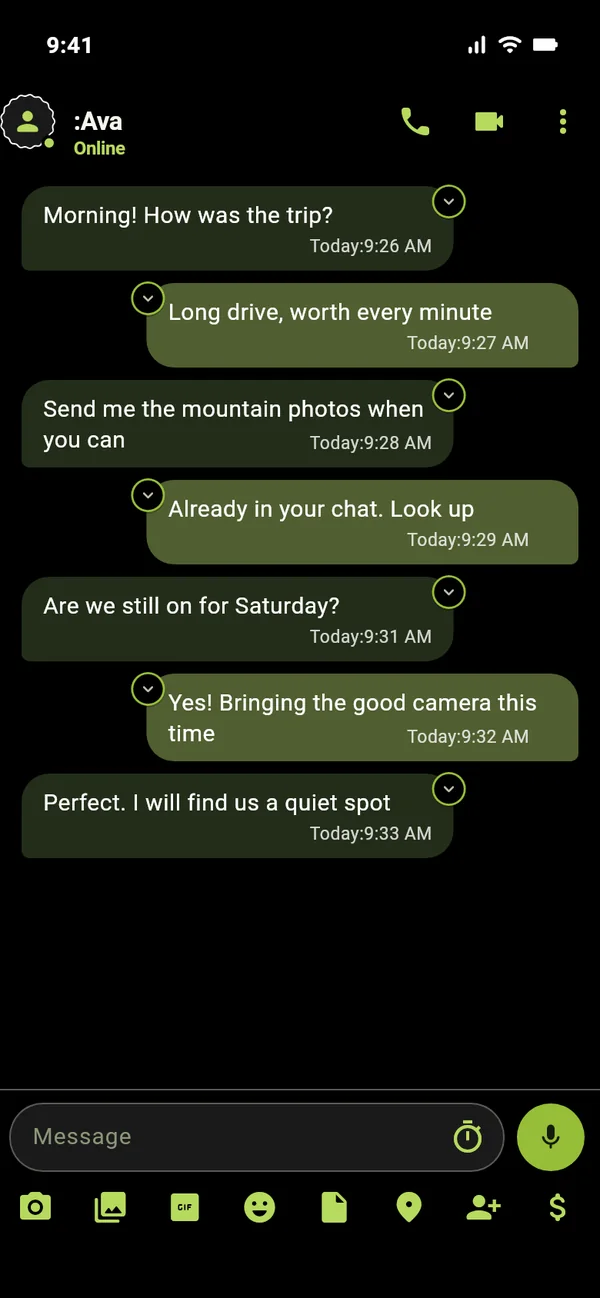
iPhone
Beta on Apple TestFlight. Updates arrive on their own.
How to install
- Install the free TestFlight app from the App Store.
- Open the join link on your iPhone and tap Accept.
- Install Spojiti, create your identity. That's it, updates arrive through TestFlight.
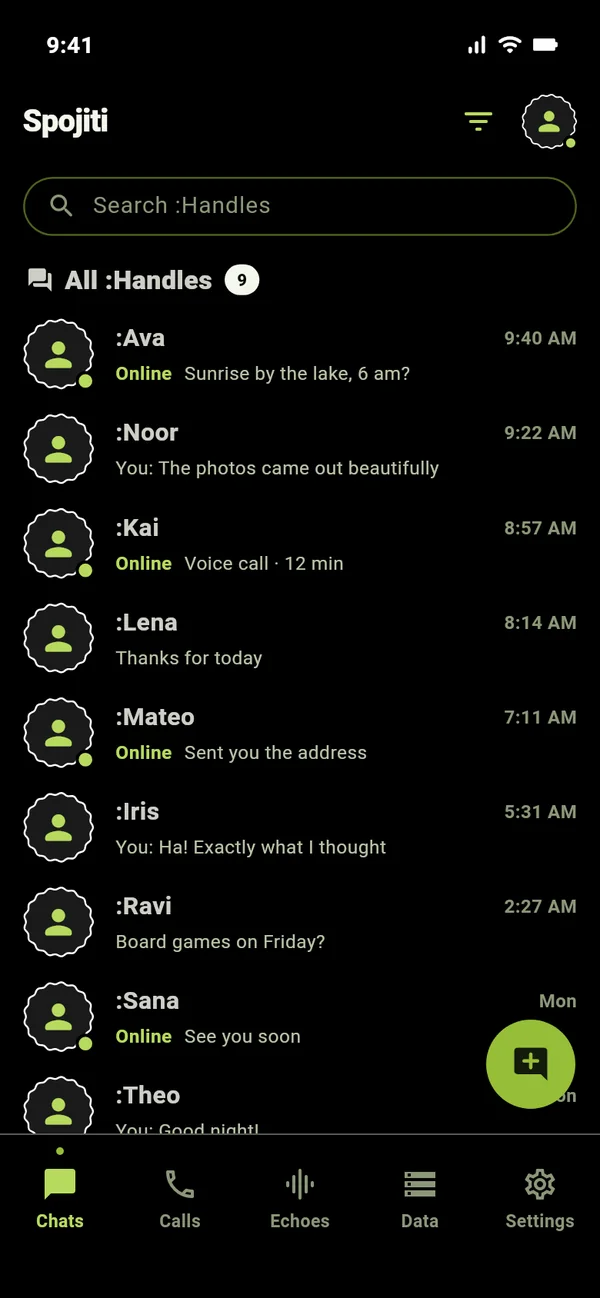
Android
Signed APK, direct from our servers. Android 8 or later.
How to install
- Download, then open the file.
- Android asks to allow installs from your browser, allow once.
- Open Spojiti and create your identity. That's it.
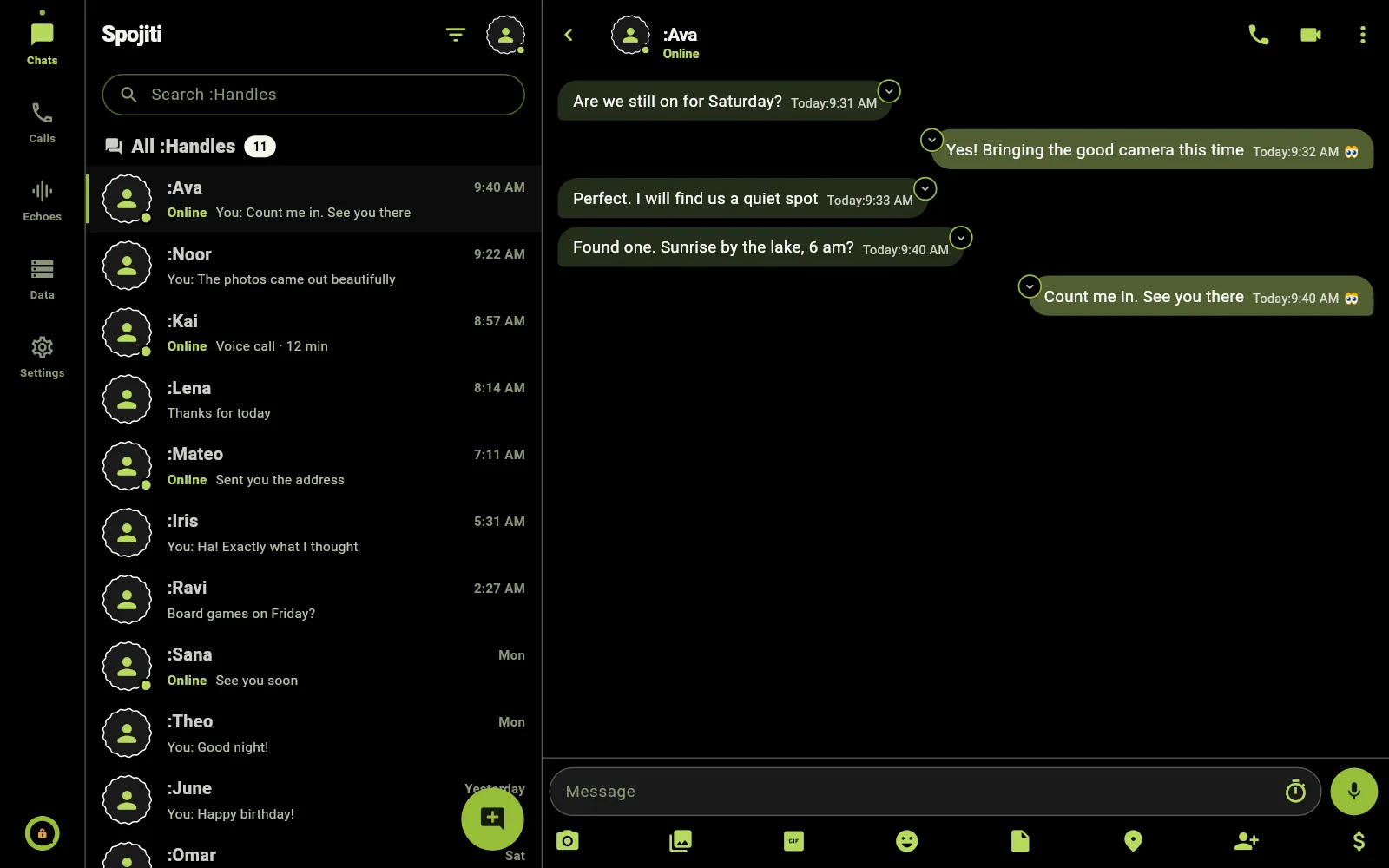
Mac
Native app, notarized. Apple silicon and Intel.
How to install
- Open the .dmg and drag Spojiti to Applications.
- Link your Mac from your phone by QR, or create a new identity on the Mac.
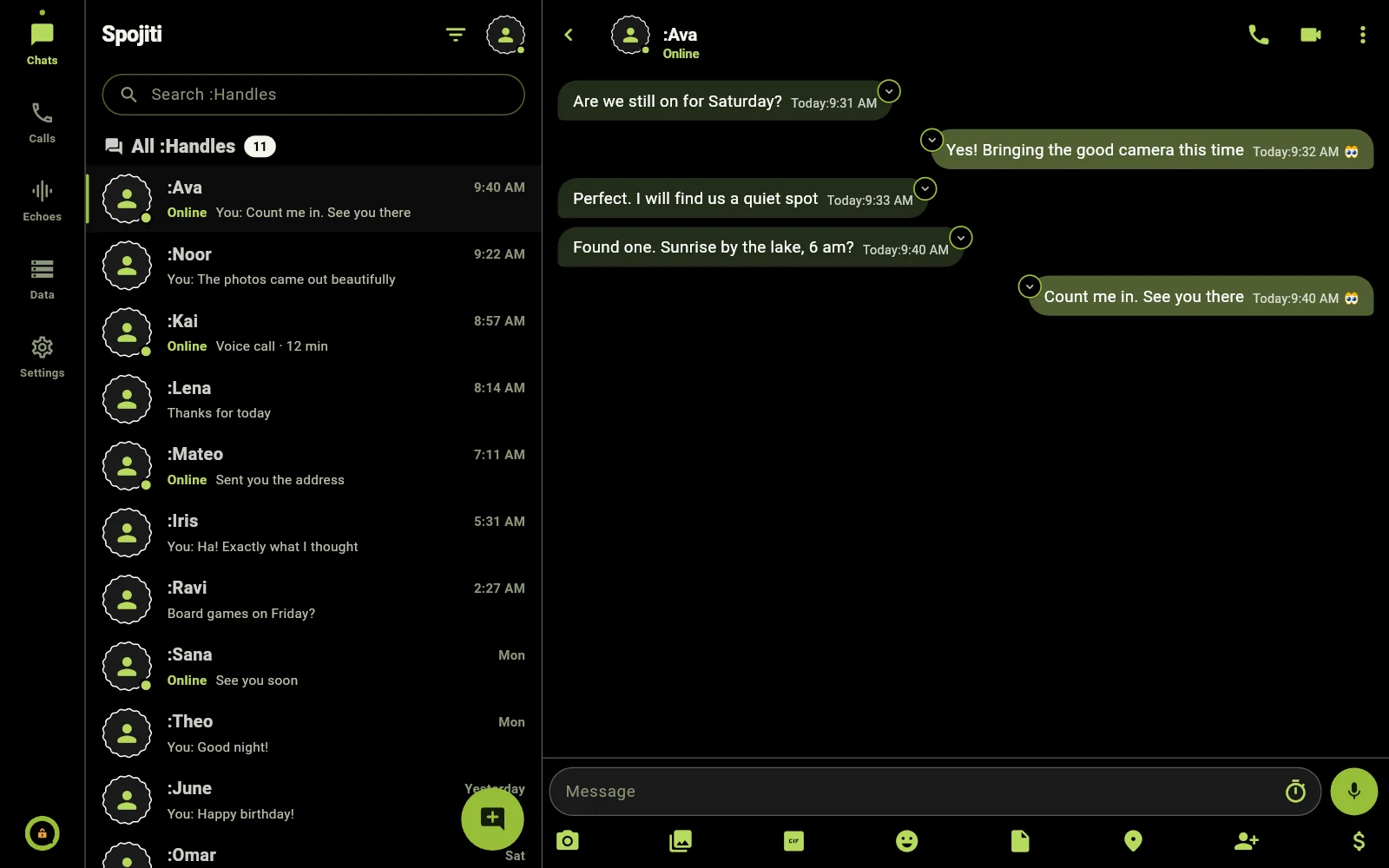
Windows
Portable app for Windows 10 and 11. No installer, no admin rights.
How to install
- Download the ZIP and unzip it anywhere you like.
- Run spojiti.exe inside the folder. If SmartScreen says it does not know the publisher, choose More info, then Run anyway.
- Link your PC from your phone by QR, or create a new identity. To update, unzip the next build over the same folder: your chats live in your Windows profile, not in the folder.
Is a direct APK safe?
It is built from the same code as our store builds and signed with our key. Check its SHA-256 above.
How do updates work?
The app tells you when a new build is out. A build with a known security flaw is refused once the fix is out.
Found a bug?
Settings → About → Diagnostics → Share. It records what the app did, never what you said. Support →